Publishing Preprints: Repositories and Tools
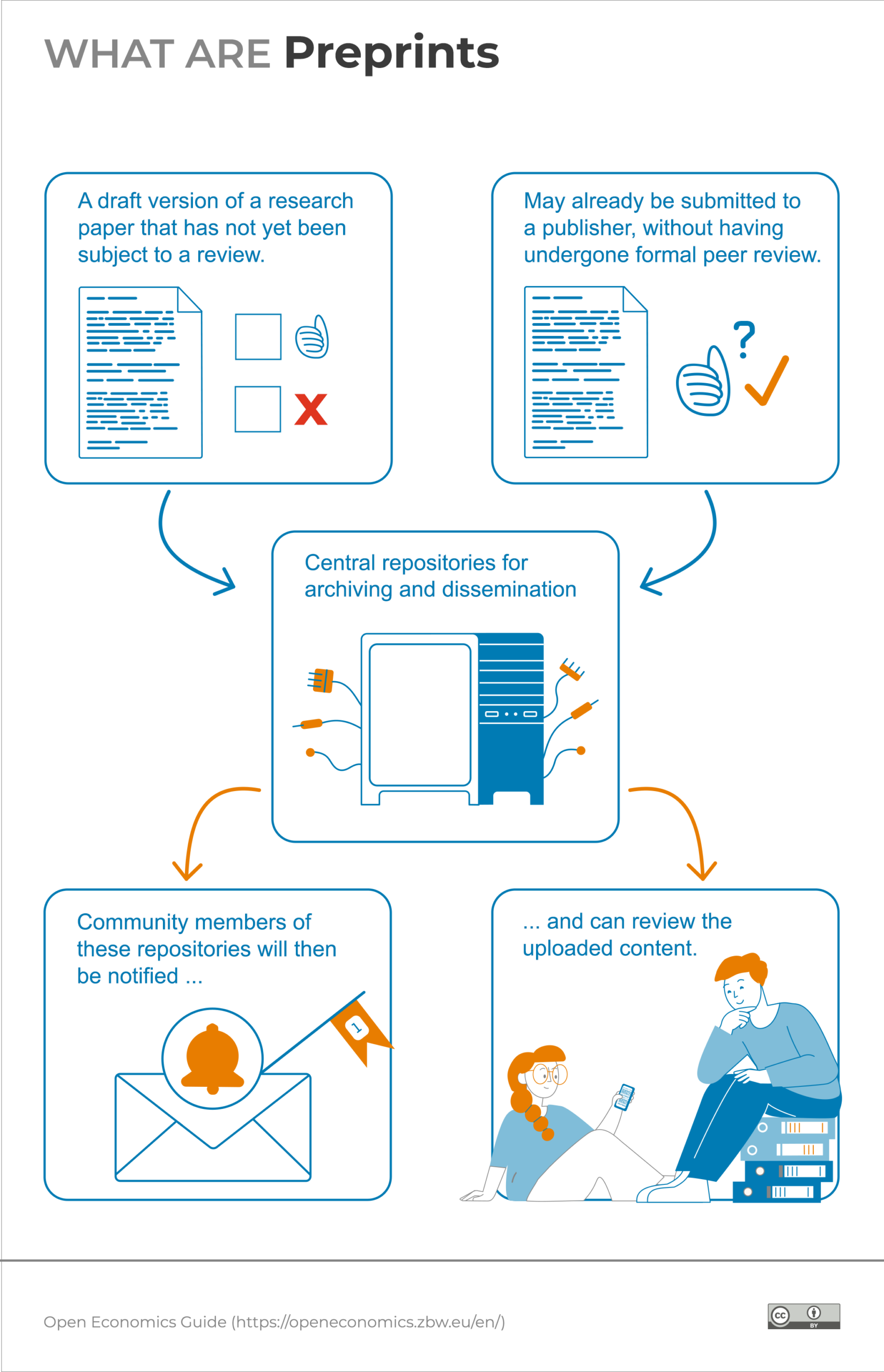
A preprint is a draft version of your work that has not yet undergone review – even if it may already have been submitted to a publisher in parallel. While a preprint could in principle be distributed via any medium, in practice preprints are usually self-archived and distributed via central repositories. Community members of these repositories are then notified and can comment on the uploaded content.
To get the greatest benefit from the additional dissemination, you should choose a publication location where your preprint will find the largest possible number of interested readers.
Economics and business studies repositories
In worksheet 6, "Make your preprint accessible," from the worksheet series of the Open Science Magazine of the ZBW, you can learn how to publish a preprint using the example of EconStor.
Cross-disciplinary repositories
You can find further repositories via the search services or overview lists for repositories.
ShareYourPaper further helps researchers make their preprints accessible in Open Access quickly and free of charge, boosting their visibility and citations.
Getting feedback on preprints
Preprints not only speed up the dissemination of research results but can also improve their quality: early feedback can still be incorporated before the work goes to print. The following platforms support giving and seeking targeted feedback: